
Even though there are plenty of available blogging apps, not all provide a competent blogging tool. If you are a new blogger or someone who is looking to increase blogging productivity, this article will give you an inside look at some of the best apps specifically for Mac users. It’s never been easier to share your most insightful or entertaining information! The tools and services are inexpensive or free and as straightforward or as vigorous as you prefer!
We’re highlighting some of the best blogging apps and tools for Mac users, so check them out!

Clipboard Managers
A clipboard manager is a great companion for blog writing. If you’ve not used a clipboard manager before, you will be thrilled to learn about it. Think of all the articles and entries you have saved to retrieve when writing your blog. If thoughts of “where did I store that” frequently occur, then a clipboard manager will be a lifesaver. Save clips as lists, images, files, segments, and more, and access them with a hot key and a search bar! Some of the more popular clipboard tools are Copy ‘Em Paste, Paste, Unclutter, and CopyClip.
Blogging Platforms
Blogging platforms are being developed and marketed every single day. So how do you know what might work the best for your purposes? Many are not as robust and comprehensive as others, but it is hard to know before you use one. A few of our favorites are both extensive and easy to use. See which features appeal to you!
Blogger
Available as a mobile app as well as versions for MacBooks, desktops, and laptops. It is simple to use, yet you get professional results. Blogger’s best features include:
- Ability to add images, videos, and tweets in addition to text.
- Cross-platform posting
- User-friendly interface
- Organize your posts into folders
Medium
Medium is one of the newer platforms and one of the best for Macs and iPhones. This platform allows for the whole gamut of content types.
- It has an outstanding import tool.
- Engagement metrics
- No API
- Topics that do well: Life learning, Business, Entrepreneurship, Culture, Tech, Politics
- Can drive traffic to your content on other social platforms
WordPress
WordPress launched a Mac app that works very well for WordPress.com blogs. The MarsEdit app is an easy way to write, preview, and publish your blog and is free to download. It is a desktop blog editing app that provides an interface to the most popular blogging systems, such as WordPress, Tumblr, Movable Typ0e, etc. Unlock a free trial in the app or purchase a full license.
Additional Tools
Keyboard Maestro
Keyboard Maestro is inexpensive and can save hours due to its macro automation feature. Open a website, copy files, launch an app – all with shortcuts! It has a recording feature, a straightforward interface, and many command and trigger options.
Snag It
One of the best editing tools for editing and resizing images before adding them to your post. Compressing images is extremely important. If you don’t, it will take longer for the blog post to load (Remember that the average attention span for computer users is down to 8-seconds!) Images need to be optimized before they are added so the posts can open quickly.
Camtasia
One of the best apps for video blogging, and even though it is not free, you can try it for 30-days at no cost. All you have to do is open the application, webpage, or keynote presentation on your screen, and Camtasia for Mac gives you options to capture full screen, window, or region!
Each month we are posting information that will help you get to know all of the capabilities of your Apple computers. Most users are amazed at what these simple-looking machines can do to make blogging easy and fun. Happy blogging!

Related Posts






Most Popular Models Today
-
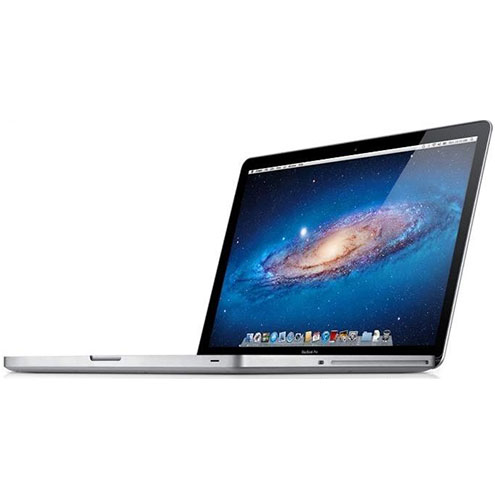
MacBook Pro 2.4Ghz Intel Core i5 4GB 500GB SuperDrive UNIBODY 13" MD313 Late 2011
$649.00 USD $329.00 USD -
MacBook Pro 2.66GHz Intel Core 2 Duo 4GB 250GB DVDR UNIBODY 13" MC375 Mid 2010
$799.00 USD $664.00 USD -
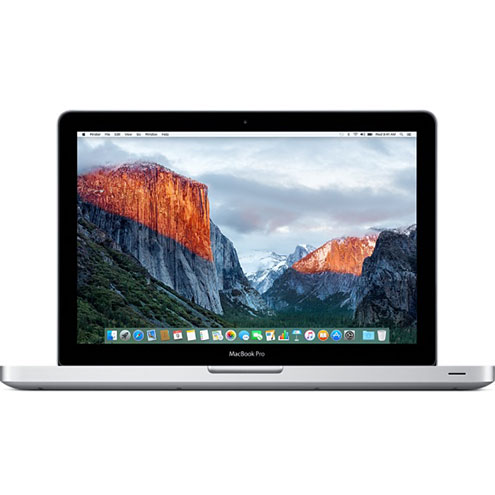
MacBook Pro 2.9GHz Intel Dual-Core i5 16GB 256GB Flash Storage 13" MF841 2015
$699.00 USD $459.00 USD